Point-of-sale and management software for restaurants, cafés and retail in Iraq Your whole business on one system, online and offline
Al-Rakeen puts the till, the kitchen, the store room and the day's accounts on one system built for how business is actually done here.
- Try the whole system before you pay
- Installed and taught at your venue
- A licence you buy, not rent
- Runs on a regular Windows PC
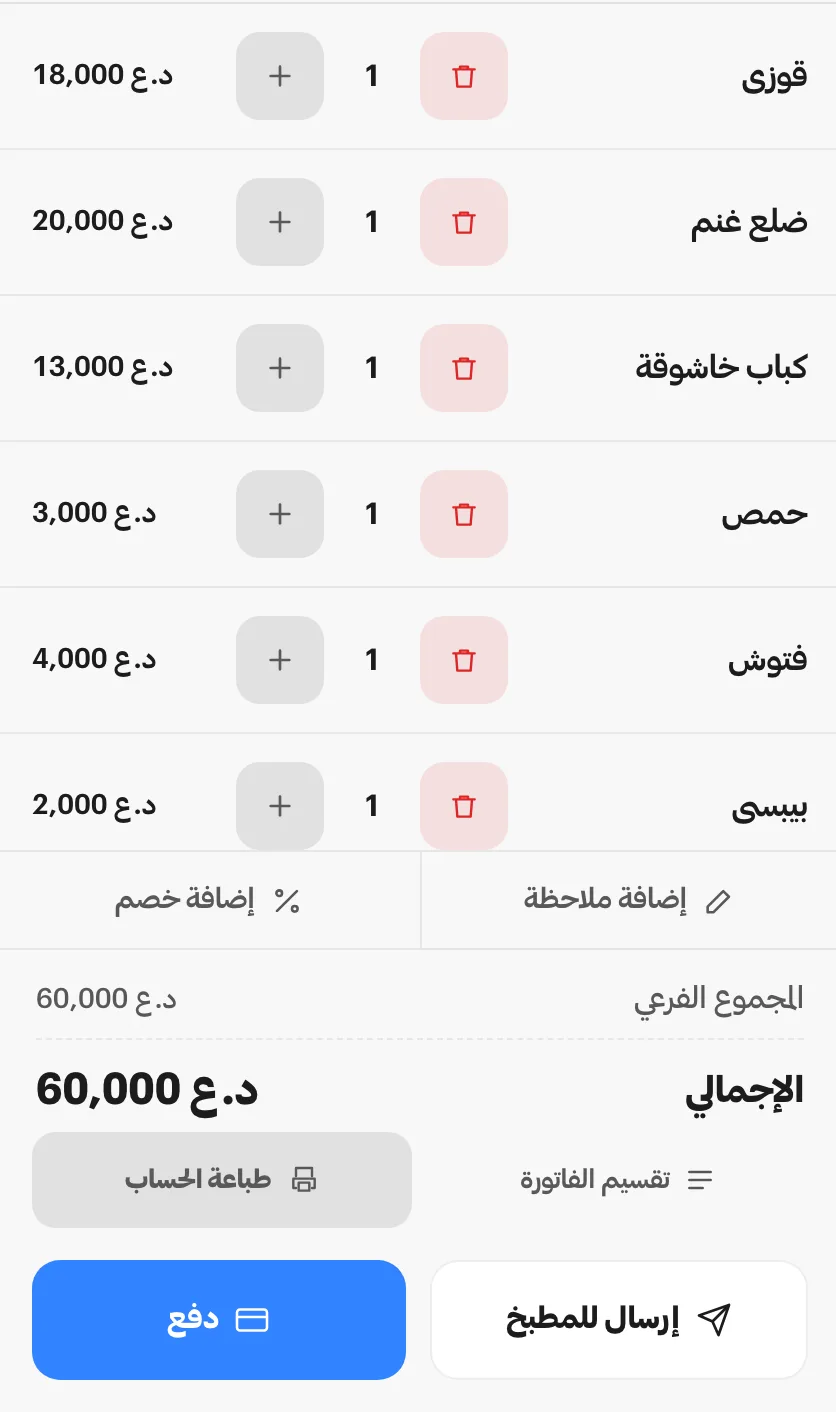
Three tills on one engine, shaped to three trades
They share the same core and differ in the screen the staff touch and the order in which work happens.
- Restaurant system A floor map with separate checks per table, kitchen tickets routed by station, and delivery orders assigned to drivers. Restaurant page (Arabic)
- Café system Quick takeaway ordering, preparation you can watch move, and drinks priced by size and by what is added to them. Café page (Arabic)
- Shop till Scanning at the counter, a weighing scale on the line, warehouses and stocktakes, and sales settled on account or in instalments. Retail page (Arabic)
Electronic menu: a QR menu and an ordering page under the venue's own name, taken on its own or wired to the same list the till sells from.
Open the menu page (Arabic)Volt: not a till at all, but the book of a neighbourhood generator: subscribers and their amperes, a tariff set each month, invoices raised in one go, and every cash collection settled against a numbered receipt.
Open the Volt page (Arabic)Ring up an order and take the money on one screen
The counter opens a bill, prices it and settles it without leaving the screen it started on.
- One bill for a table, a takeaway or a deliveryThe same till writes all three, and the receipt knows which one it belongs to.
- Settle across cash, card and creditA bill can be split over more than one tender, and what is left goes on the customer account.
- Print the receipt and open the drawerThe thermal printer and the cash drawer answer at the moment the cashier decides, not before.
- Roles and permissions
- Barcode and scale (retail)

Every item reaches the station that cooks it
Orders are routed by station the moment they are fired, and the board times each one.
- Grill dishes at the grill, drinks at the barEach station prints or displays only the lines it is responsible for.
- A timer on every ticketThe board shows how long an order has been waiting, so a late one is visible before the customer says so.
- Done is a button, not a shoutThe counter sees the state change, and the order moves on without anyone crossing the room.
- Kitchen display
- Local network devices

Materials leave the store as the kitchen fires
A recipe spends its ingredients when the order goes in, and a purchase invoice puts them back.
- Recipes spend the storeEvery dish carries what it is made of, so the count falls as it is sold rather than at month end.
- A reorder point on each materialWhat has fallen under its threshold is flagged on the same line that carries its cost and its supplier.
- Purchases raise the quantities backA supplier invoice is entered once and answers for both the stock and the cost it changed.

- Multi-branch
Close the shift on a drawer that was counted
The cashier counts the cash before the expected figure appears, and every correction carries a name.
- The count comes first, the figure secondThe drawer is counted blind, so the difference is a fact about the day and not about the screen.
- Cash sales, expenses and withdrawals in one boardWhat left the drawer during the shift is already deducted from what should be in it.
- Every cancellation is signedA cancelled order, a discount or a refund is kept with the person and the device that made it.
- Audit trail

Built to keep trading, and answered by the people who wrote it
What separates us here is less a longer feature list than how close we stand when something goes wrong.
It runs on the machine in your shop
Selling, printing and the preparation screen run from that machine itself, and the day's data reaches your cloud account on its own as soon as it can.
You reach the team that built it
Support runs over WhatsApp straight to the people who write the software, with no ticket queue and no reseller standing in between.
You start small and add later
One computer can carry a whole venue, and the kitchen screen, the waiter tablet or a second register join it whenever the work grows.
New versions arrive without a new invoice
Releases reach you with their features and their fixes inside the licence you already paid for, so the system keeps pace with the trade.
What an owner wants settled before buying
Anything still open is a WhatsApp message away, answered by the same team.
Is the software available in English?
The screens, receipts and reports are Arabic and the amounts are in Iraqi dinars; this page exists so an English-speaking owner or partner can judge the system before it is installed.
What hardware does it need?
An ordinary Windows computer with a thermal receipt printer and a cash drawer covers a small venue, shops add a scanner and a scale, and kitchens add a preparation screen.
Can a single device be enough to start?
Yes, one computer runs the counter on its own, and further devices are added to the same installation later without moving your data anywhere else.
How is it licensed?
Each device licence is paid once and stays yours, while the cloud subscription that opens the browser account, the online menu and the backups remains an optional line.
Try Al-Rakeen in your own venue
We prepare a trial loaded with your own items and prices, then stand beside your staff through the first working shift.
Baghdad and every other governorate.